Twitch Clips Player
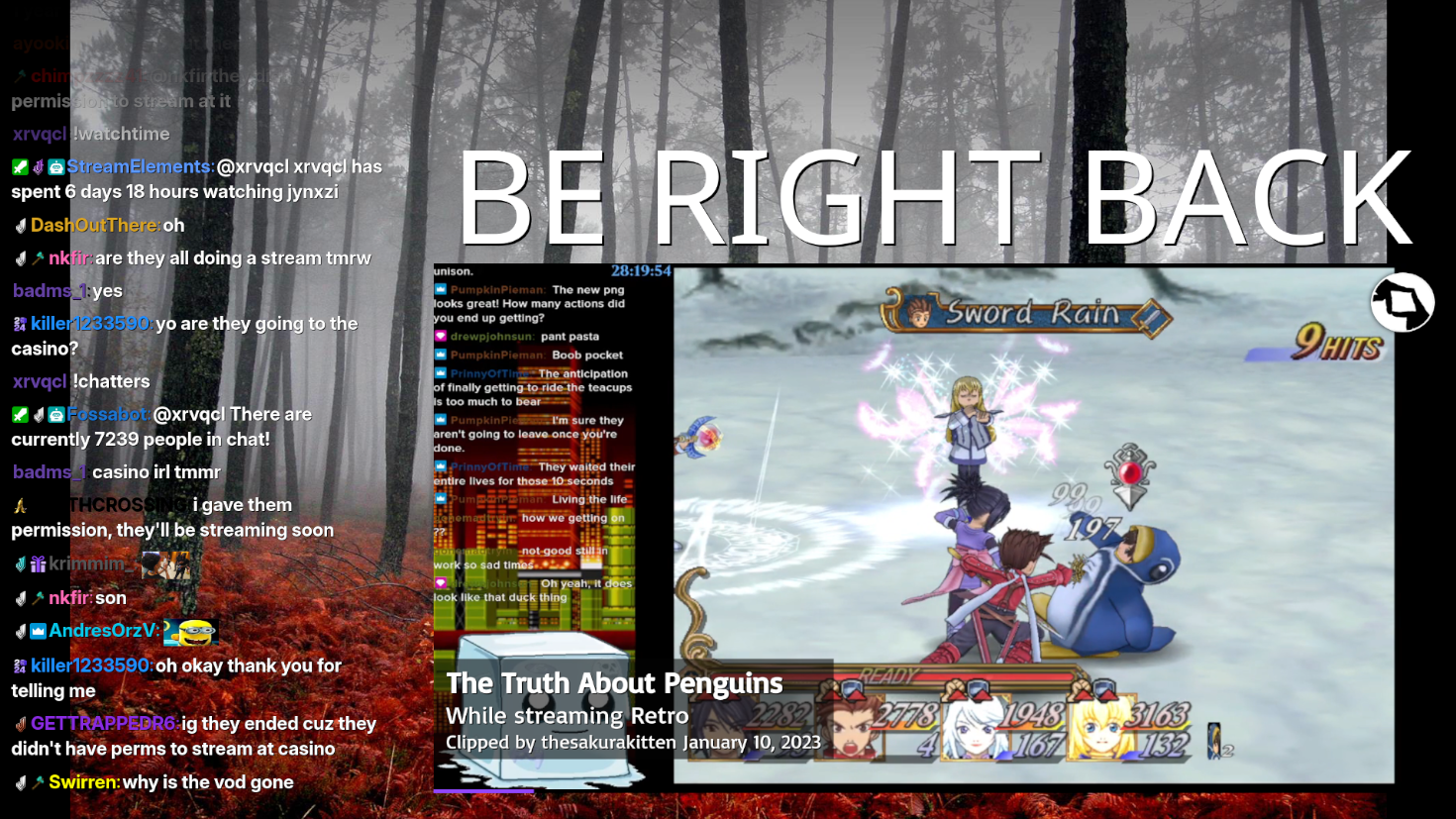
Browser-source overlay that pulls Twitch clips and plays them in a loop to keep a Starting Soon or BRB scene active and entertaining.
When to Use
- Starting Soon scene that isn't just a static image
- BRB transitions between games, breaks, intermissions
- Showing clips from other channels and/or your own channel during breaks
- IRL Streams — Play clips when your connection drops or when you need privacy
- Let mods control the reel via chat commands
Demo video
Chat controls
Control the player from Twitch chat using commands such as !clipskip, !clippause, !clipplay, and !clipreload, limited to mods and the streamer.
Smart filtering
Filter clips by date range, prioritize featured clips, and fall back to popular recent content if no matches are found.
Configurable overlay
Customize the overlay with themes, progress bar, details panel, and custom browser source CSS.
Features
- Following feed support for clips from channels you follow
- Custom chat commands to start or stop the reel
- Automatic fallback to popular clips when filters produce no results
- Lower-third details panel with variables like {channel}, {title}, {game}, and {creator_name}
- Browser source for OBS, Moblin, Streamlabs and other streaming softwares
Configuration
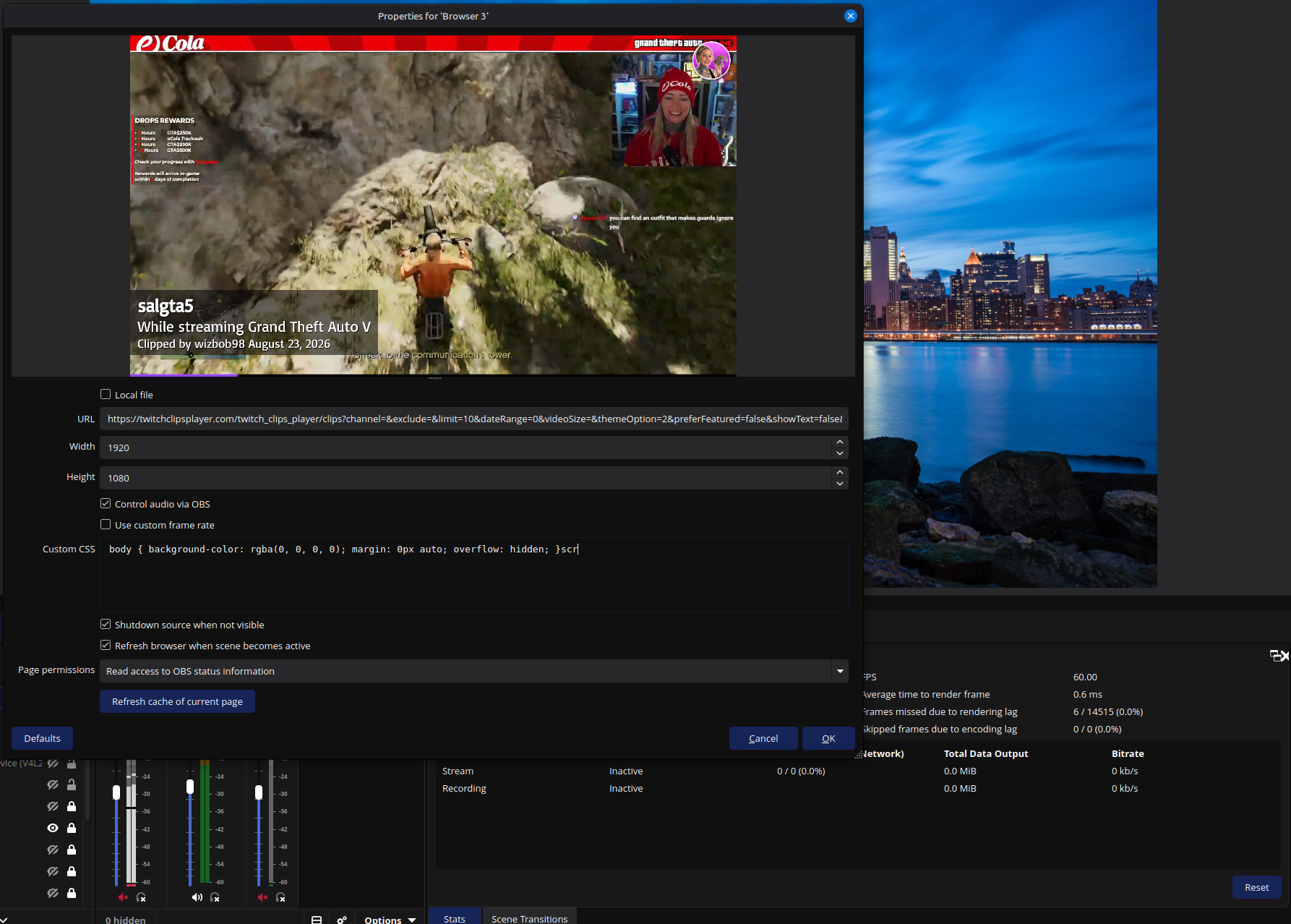
Query parameters can be added to the URL for settings like channel, limit, dateRange, preferFeatured, showFollowing, showText, and custom theme options. You can modify these values directly from the browser-source URL. No need to regenerate a new overlay URL.
Example:
?channel=mychannel&limit=20&dateRange=7&preferFeatured=true&showDetails=true
OBS setup
Add a Browser Source in OBS, enter the URL with the desired parameters, and enable the settings that refresh the source when the scene becomes active.
Twitch authentication is required if you want to show clips from followed channels or use chat features.
Try Twitch Clips Player